

 Flashlight
 Solar
Extension Cable
Solar
Extension Cable


How Easy Is a Portable Power Station to Use? A Beginner’s Guide
If you’ve ever faced a power outage or gone camping only to have your devices die halfway through, you’ve probably looked into a portable power station.
They’ve become the go-to energy source for travelers, homeowners, and even medical users. But if you’re new to them, you might be asking the same question most first-time buyers do:
“How easy is a portable power station to use?”
The short answer? Very easy — easier than starting a car or connecting a coffee maker. You don’t need special tools, wiring knowledge, or technical skills. Let’s break down exactly how simple it is.
What Is a Portable Power Station?
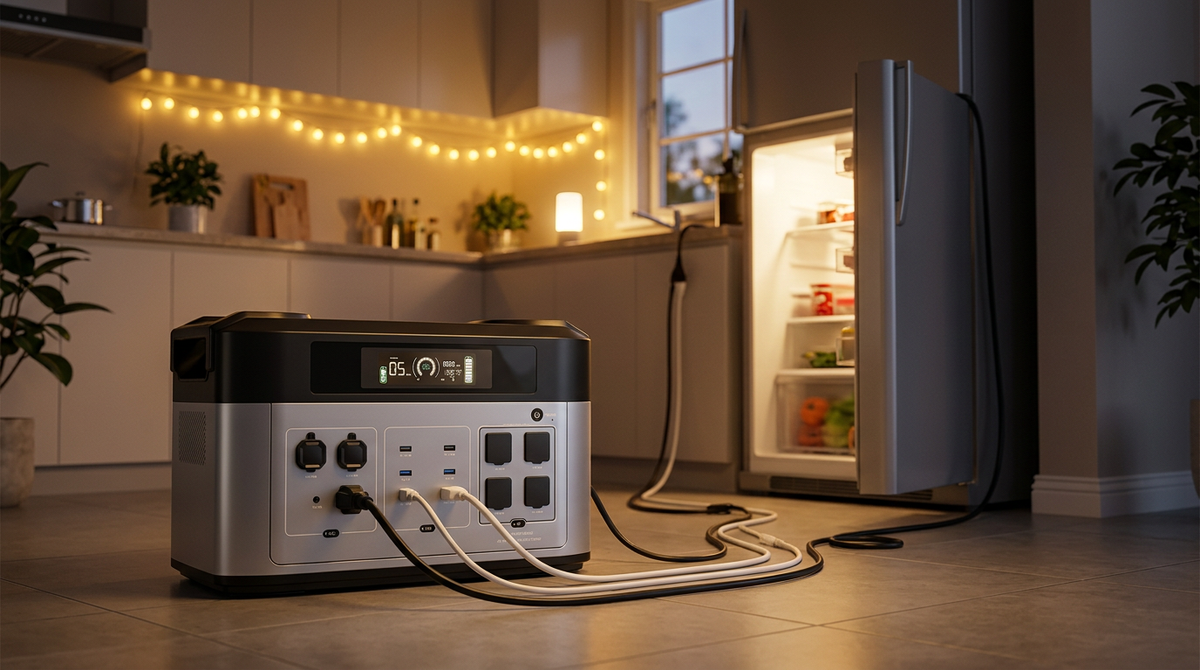
A portable power station is essentially a large rechargeable battery with multiple output ports — think of it as a quiet, clean version of a generator.
It stores electricity that can be used to power or charge devices like laptops, fridges, lights, phones, and even CPAP machines.
Most modern units include:
- AC outlets for household plugs
- DC or car ports for 12V devices
- USB ports (A & C) for electronics
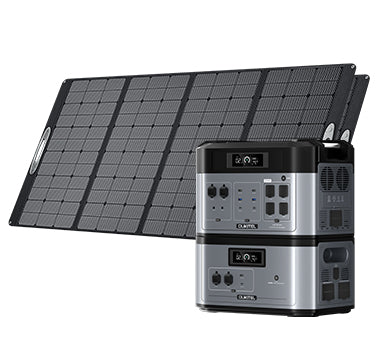
- Solar input ports for green recharging
You can charge it via a wall outlet, a solar panel, or your car’s 12V socket. Then, just plug in your device — that’s it.
Step 1: Setting Up Your Portable Power Station

Even if you’ve never used one before, setup takes only a few minutes.
Unboxing
Every model comes with a user manual PDF or printed quick-start guide that walks you through basic setup. The instructions are usually visual, so you don’t need electrical experience.
You’ll find in the box:
- The power station
- AC wall charger
- DC car charging cable
- Solar cable (XT60 or MC4)
- Manual / warranty card
Charging Before First Use
Before your first trip or outage, charge it fully. Most stations arrive 40–60% charged.
Simply plug into a wall socket and wait until the display reads 100%.
Modern LiFePO₄ models charge very fast — often reaching 80% in about an hour. You can also charge through a solar panel (about 2–3 hours in full sun) or your car charger while driving.
Step 2: Understanding the Interface
If you can read a digital clock, you can read a power station’s display.
Typical screens show:
- Battery percentage / time remaining
- Input wattage (charging speed)
- Output wattage (usage)
- Port activity icons
Many also feature a touch or LED backlit screen, making it clear even at night.
High-end models have mobile app control via Bluetooth or Wi-Fi — perfect if you’re in a tent or another room.
Step 3: Powering Your Devices
Using a portable power station is as intuitive as plugging a charger into the wall.
Check the power rating.
Every device has a wattage label.
For example:
- Laptop: 60–100W
- CPAP machine: 40–80W
- Mini-fridge: 150–200W
- Coffee maker: 800–1000W
Choose a power station whose output (W) exceeds your device’s requirement. A small 120W portable power station can handle lights and phones, but not a blender.
Plug and power.
- For AC devices: Use the standard wall plug.
- For USB devices: Connect via USB-A or USB-C ports.
-
For car accessories: Use the 12V DC port.
Then press the output button (AC/DC) to activate current.
Monitor usage.
The display updates in real time, showing how much power each device draws and how long your battery will last.
Step 4: Recharging Your Station
Recharge options depend on where you are:
|
Charging Method |
Input Power |
Time to Full Charge |
|
Wall (AC) |
500–1800W |
1–2 hours |
|
Solar (MPPT) |
200–1000W |
2–5 hours (sunlight dependent) |
|
Car (DC) |
12V / 24V |
5–7 hours |
High-quality models even allow dual input (AC + solar), cutting charge time to under 60 minutes.
Some portable power station chargers have adjustable speeds (e.g., 400W–1800W). Lower speeds extend battery life; higher speeds give you instant readiness.
Step 5: Safety and Maintenance Basics

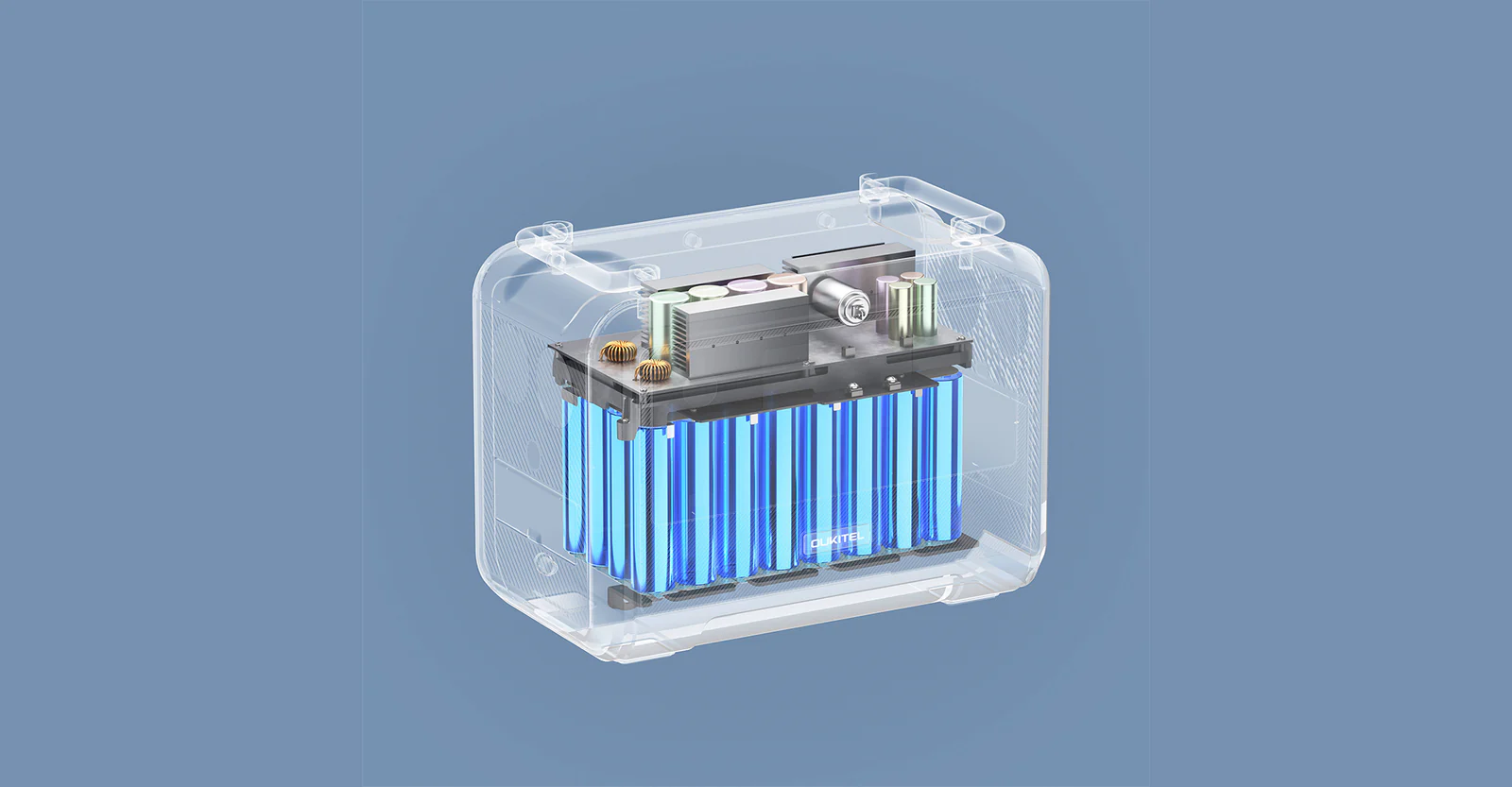
Portable power stations are designed to be foolproof and safe. They use advanced Battery Management Systems (BMS) to prevent:
- Overcharging
- Overheating
- Short-circuiting
- Over-current draw
Still, follow these easy safety habits:
- Keep vents clear for airflow.
- Avoid water exposure unless rated splash-proof.
- Store at 50–70% charge if unused for months.
- Wipe ports occasionally with a dry cloth.
Even without special maintenance, LiFePO₄ batteries last up to 10 years or 3,500+ cycles — meaning it’s practically maintenance-free.
How Easy Are They to Use in Daily Life?
For Home Emergencies
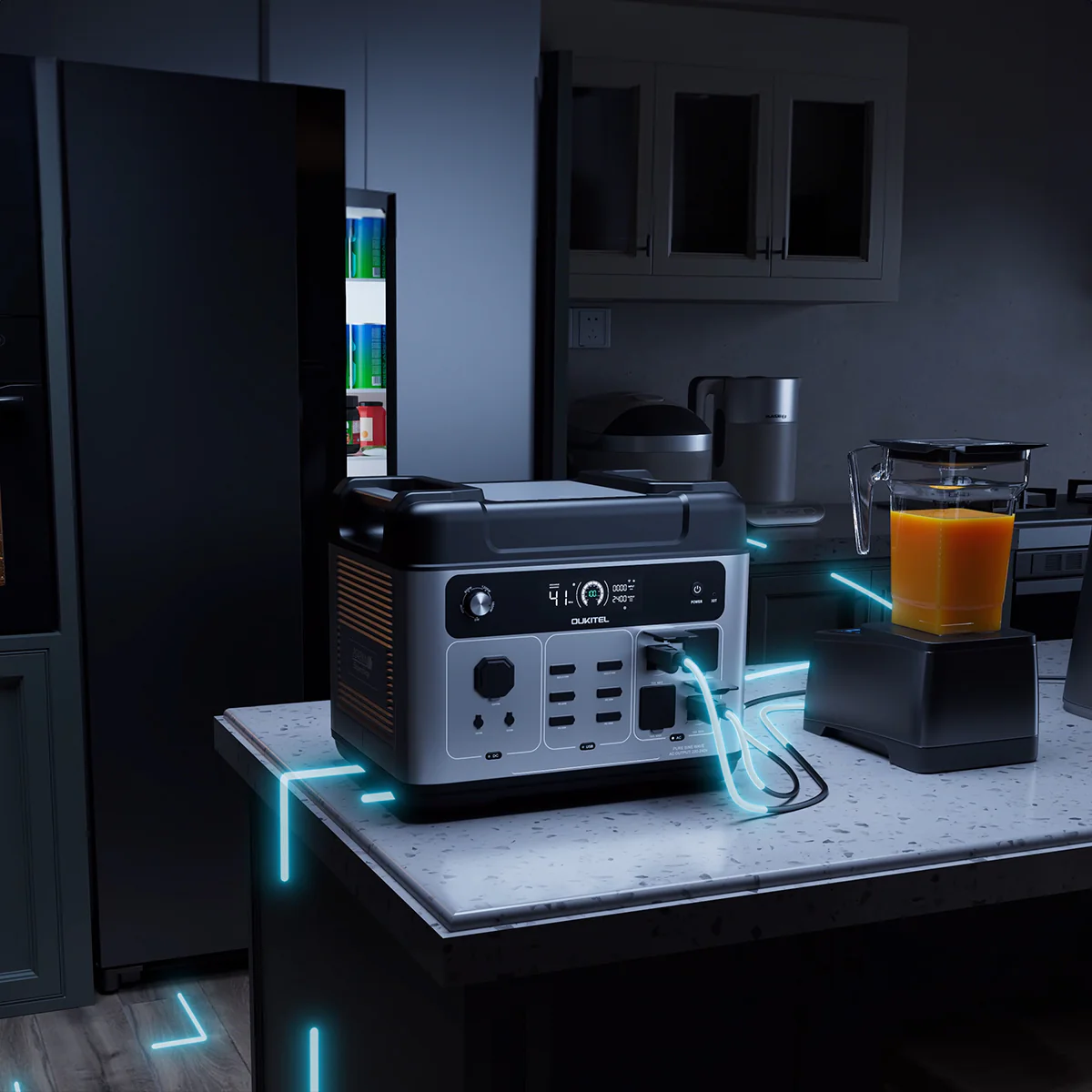
During blackouts, simply plug in essentials — your fridge, router, and lamps — and they’ll run seamlessly. Many stations include EPS or UPS functions, automatically switching to battery power within 10 milliseconds when the grid fails.
There’s no restart, no noise, and no fumes like a gas generator.
For Camping & Outdoor Trips
Outdoors, convenience is everything. These units:
- Charge phones, fans, and drones.
- Power lights all night quietly (<50dB).
- Recharge by solar panel during the day.
A 500–800Wh unit can easily last a weekend trip without recharging.
For Work or Study
Remote workers use portable power stations as mobile office batteries. Plug in laptops, Wi-Fi routers, and monitors — all run for 8–10 hours uninterrupted.
For CPAP or Medical Devices
Modern models support pure sine-wave output — the same stable current as a wall outlet — ensuring medical safety for CPAP users. Even beginners can set it up with one cable.
Common Questions Beginners Ask
Do I need a special manual or training?
No. Every station includes a manual PDF and clear diagrams. You can also find online tutorials and short video guides. The setup is plug-and-play — no installation required.
Can I overcharge it or damage the battery?
Not with modern systems. Smart BMS cuts off charging automatically when full, so you can safely leave it plugged in.
Is the solar setup complicated?
Not at all. Connect the MC4 solar cable to your panel, then plug it into the input port (XT60 or similar). The screen shows real-time solar input instantly.
Can I charge and use it at the same time?
Yes — this is called pass-through charging. You can power devices while recharging the battery simultaneously.
Are small 120W portable power stations useful?
They’re great for phones, cameras, LED lamps, or Wi-Fi routers — ideal for minimalist setups. But if you want to run appliances or tools, go for 500–2000W capacity.
Understanding the Learning Curve: Beginner to Pro
|
Skill Level |
Setup Difficulty |
Charging Options |
Output Types |
Confidence Level |
|
Beginner (First Use) |
Plug & power |
Wall / Car |
USB, AC |
Easy |
|
Intermediate (Camping) |
Add solar panels |
Wall / Solar / Car |
USB, AC, DC |
Very easy |
|
Advanced (Home backup) |
Add EPS/UPS mode |
Dual input |
All ports + App |
Still easy (auto-switch) |
Most people feel fully comfortable after their first or second use — far easier than operating a gas generator.
Quick Troubleshooting: Common Issues and Fixes
-
Device not turning on?
→ Check if you’ve pressed the output button (AC/DC). Some models require separate activation. -
Battery draining fast?
→ High-watt appliances consume more energy; check display usage and unplug idle devices. -
Slow solar charging?
→ Clean your solar panels and ensure direct sunlight. -
Is the charger warm during use?
→ Normal for high-speed charging; systems automatically manage temperature. -
Noise or fan sound?
→ Fans turn on when load exceeds ~500W — normal operation.
That’s it. No technical adjustments, oil refills, or filters needed.
How a Portable Power Station Compares to Traditional Generators
|
Feature |
Portable Power Station |
Gas Generator |
|
Noise |
<50 dB (quiet) |
70–90 dB (loud) |
|
Emissions |
None |
Carbon monoxide |
|
Setup time |
Plug & play |
Fuel, choke, start cord |
|
Maintenance |
None |
Regular oil and spark plug changes |
|
Indoor use |
Safe |
Dangerous |
|
Recharging |
Electric or solar |
Gasoline only |
This simplicity explains why portable power stations are replacing generators for most non-industrial users.
Real-World Reviews: What Users Say
- Ease of Use: “Plug and forget — even my kids can charge their devices on it.”
- Fast Charging: “Charges to full while I pack for a trip.”
- Reliability: “Used during a blackout; fridge stayed cold for 10 hours.”
- Portability: “Light enough to carry with one hand.”
Whether you check a “how easy portable power station review” forum or video testimonial, nearly all users praise their convenience and plug-and-go simplicity.
Tips for First-Time Users
- Keep it charged: Recharge every few months even if unused.
- Plan load limits: Know your devices’ wattage to avoid overloading.
- Use solar whenever possible: It’s free, quiet, and eco-friendly.
- Store smartly: Avoid direct heat or humidity.
- Download the manual PDF: Always have a reference on your phone.
These steps will make your experience smooth from day one.
Why Beginners Love LiFePO₄ Models
For anyone nervous about batteries, LiFePO₄ models offer:
- 10-year lifespan
- No fire risk (thermally stable)
- Quick recharge (1–2 hours)
- Quiet performance for indoor use
- Up to 3,500 full cycles before degradation
You simply plug in, power up, and forget it’s even there.
When a 120W Portable Power Station Makes Sense
While it can’t run appliances, a 120W portable power station is perfect for:
- Phone and tablet charging
- Lighting during power cuts
- Traveling with lightweight electronics
- Emergency communication gear
It’s the ultimate starter model for anyone who wants to test the technology without spending much.
Future of Portable Power: Smarter, Faster, Easier
Next-generation power stations are becoming smarter:
- App automation: control outputs remotely
- Dual-input fast charging (<1 hour)
- Solar integration kits for DIY users
- Automatic firmware updates
As technology improves, setup and usage will become even simpler — truly “plug, charge, and go” solutions for every household.
Frequently Asked Questions
Is a portable power station difficult to use for beginners?
Not at all. Plug it in to charge, connect your device, and you’re done.
Can I use it indoors?
Yes. Unlike gas generators, they produce zero fumes and almost no heat.
What is the lifespan of a portable power station?
LiFePO₄ batteries last 8–10 years or about 3,500 full cycles.
How do I charge it fastest?
Use both AC and solar simultaneously (dual input).
Where can I find the manual or charger info?
Most suppliers provide downloadable manual PDFs and compatible charger specs directly on their product pages.
Final Thoughts
If you’ve ever hesitated to buy one because you thought it might be complicated, rest assured: using a portable power station is incredibly easy.
There are no moving parts, no fuel, no mechanical noise — just plug in and press a button. From first-time homeowners to off-grid explorers, anyone can master one in minutes.
Whether you’re reading a portable power station manual PDF or watching your first review, one thing is clear: these devices make clean, portable energy effortless.


Looking for something else?
mAh to kWh: How to Convert and Understand Battery Capacity
LEARN MORE
How Many mA in an Amp: Understanding Electrical Conversion
LEARN MORE
Solar Array Roof: How to Mount on Pitched and Non-Pitched Roofs
LEARN MORE
Power Tool Battery Standardization: Benefits and Guidelines
LEARN MORELooking for something else?
What Size Portable Power Station Do I Need: Complete Guide
LEARN MORE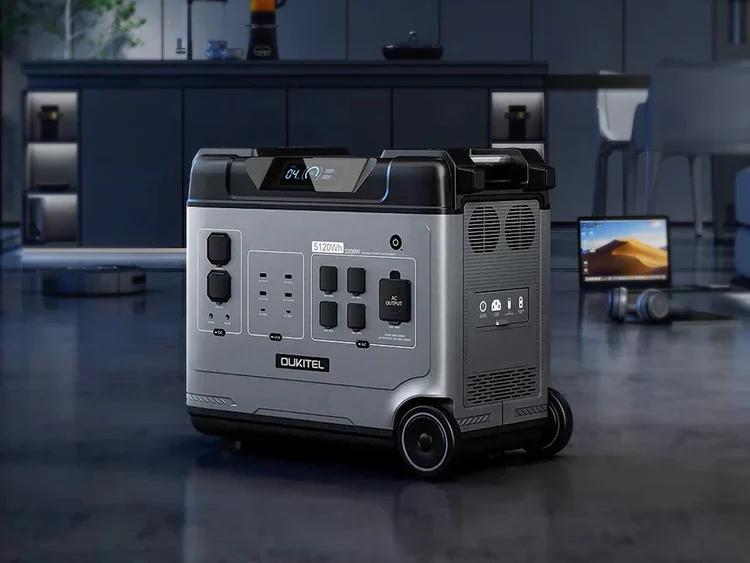
Watts to BTU/hr: How to Convert and Apply the Formula
LEARN MORE
OUKITEL Energy Storage Shines at the 139th Canton Fair, Global Customers Experience Product Strength On-Site
LEARN MOREYou may also like

OUKITEL BP2000 Portable Power Station 2200W/2048Wh

OUKITEL P5000 Solar Generator for Home with 400W Solar Panel

OUKITEL P5000 Pro Portable Power Station 5120Wh/3600W

OUKITEL P800 Portable Power Station 800W | 512Wh

OUKITEL B2000 Expansion Battery | 2048Wh

OUKITEL C01 Car Jump Starter 1350A | 80Wh | PD60W
Further reading
Portable Power Station for Van Life: 1-7 Day System Sizing Guide
Portable Power Station for Apartment Blackouts: Indoor Backup Guide